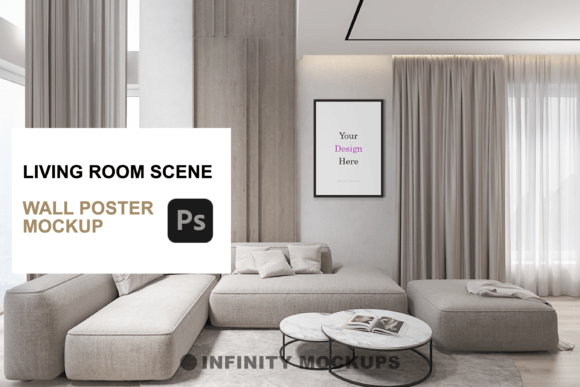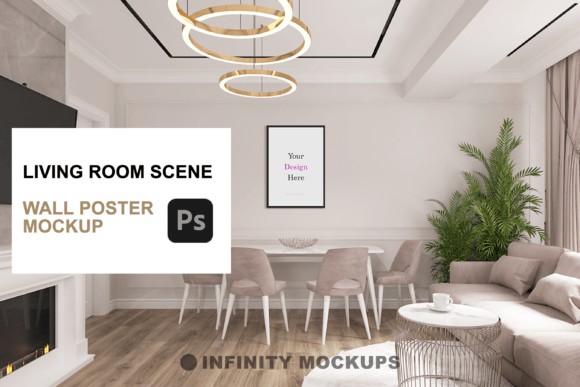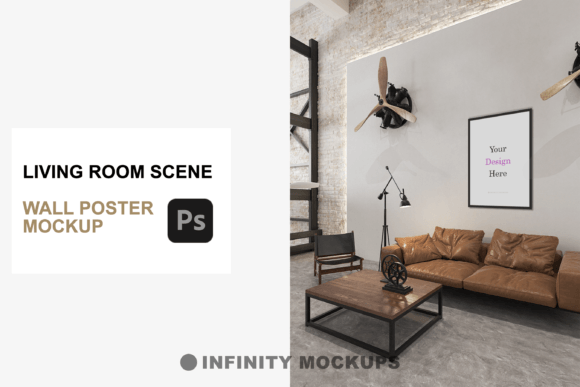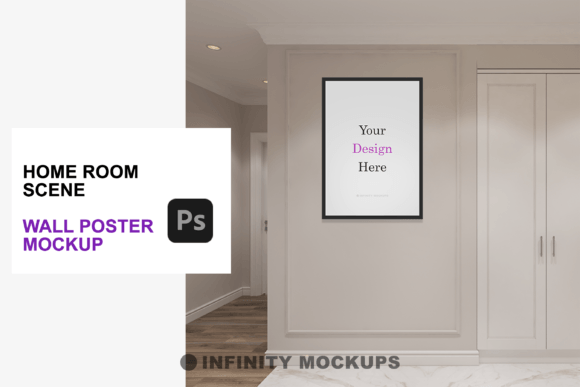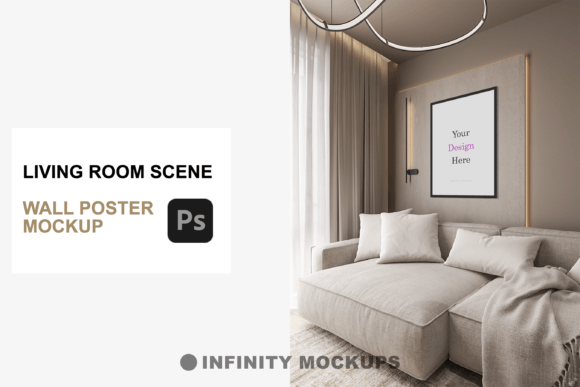
Living Room 3D Scene Frame Mockup
Transforming a flat digital file into a tangible, aspirational object is one of the most critical steps in modern graphic design. Whether you are showcasing a limited-edition print or a motivational quote for social media, context is everything. This is where the Living Room 3D Scene Frame Mockup becomes an indispensable tool for creatives. It bridges the gap between abstract concepts and real-world application, allowing designers to present their work with unparalleled professionalism and visual impact.
In today’s fast-paced digital marketing landscape, static images often fail to capture attention. Consumers crave authenticity and depth. By placing your artwork within a meticulously rendered environment, you provide viewers with a realistic preview of how the piece fits into their lives. This level of visual design sophistication not only enhances brand identity but also significantly boosts conversion rates for e-commerce stores and portfolio presentations.
Elevating Presentations with Realistic Context
The core value of this mockup lies in its ability to simulate reality. Crafted with precision, the scene features intricate lighting and shadow dynamics that react naturally to the frame and poster. This attention to detail ensures that your creative assets do not look pasted on, but rather integrated into the space. For professionals involved in print design or editorial design, this realism is crucial for client approvals and final proofs.
When evaluating a mockup for your design workflow, consider the versatility it offers. This specific resource includes four distinct frame styles: Black, White, Wooden, and a Custom Color option. This variety allows you to match the frame to your color palette or the interior design aesthetic of the scene. Furthermore, the inclusion of three different frame shapes—square, vertical rectangle, and horizontal rectangle—ensures compatibility with various aspect ratios, making it suitable for everything from album covers to landscape photography.
Key Features for Enhanced Visual Hierarchy
To truly leverage this tool for digital marketing and social media graphics, it is important to understand its functional layers. The mockup is designed to give you control over the visual hierarchy, ensuring your artwork remains the focal point.
- Fade Effect Layer: A unique toggle feature allows you to adjust the prominence of the image. You can choose a subtle fade for a minimalist look or make the colors stand out vibrantly, depending on your design goals.
- Smart Object Integration: Simply drag and drop your design into the smart object layer. The perspective and distortion are applied automatically, saving hours of manual editing time.
- High-Resolution Output: Ideal for both web display and high-quality print proofs, ensuring your typography and details remain crisp.
Practical Applications Across Creative Industries
The utility of a high-quality 3D scene extends far beyond simple poster displays. It is a versatile asset for various sectors of the creative industry. For branding agencies, it provides a sophisticated way to present campaign visuals to clients without the cost of a physical photoshoot. In UI design and web design, these realistic previews can be used in hero sections or product pages to enhance user engagement and trust.
Consider the following applications where this mockup adds significant value:
- E-commerce Product Listings: Show customers exactly how art looks in a home setting, reducing hesitation and returns.
- Social Media Content: Create eye-catching posts for Instagram or Pinterest that stop the scroll through realistic depth and lighting.
- Portfolio Development: Designers can showcase their logo design or illustration skills in a professional context, demonstrating an understanding of modern aesthetics.
- Advertising Campaigns: Use the scene to create cohesive visual narratives across multiple platforms, maintaining consistency in visual communication.
Tips for Maximizing Design Impact
To get the most out of this resource, focus on consistency and readability. Ensure that the typography in your poster design is legible against the background textures of the room. Pay attention to the color palette of your artwork; it should complement the neutral tones of the living room scene to maintain a harmonious composition. Additionally, consider the scale of your design elements. Since the mockup simulates a real-life distance, avoid overly intricate details that may get lost when viewed on smaller screens.
Ultimately, the goal of using a Living Room 3D Scene Frame Mockup is to elevate the perceived value of your work. By investing in high-quality presentation tools, you signal to clients and customers that you prioritize excellence in every aspect of your creative projects. This thoughtful approach to professional presentation not only improves aesthetics but also strengthens the overall effectiveness of your visual communication strategy.