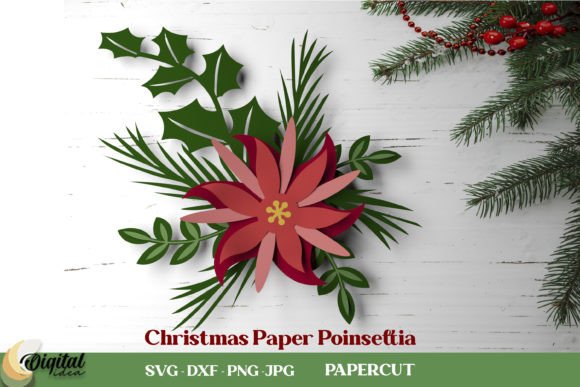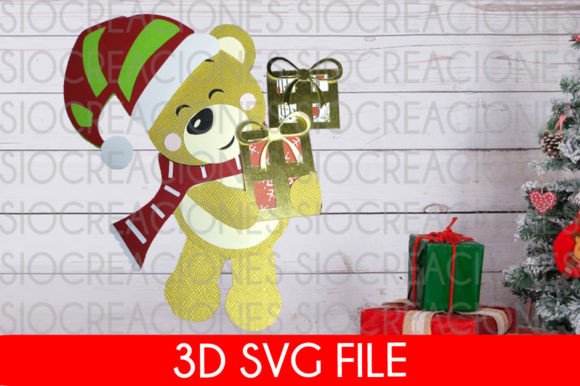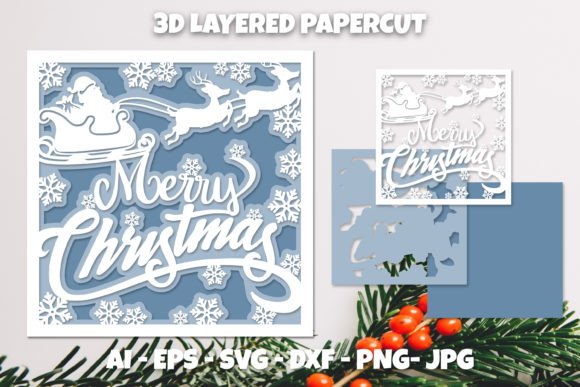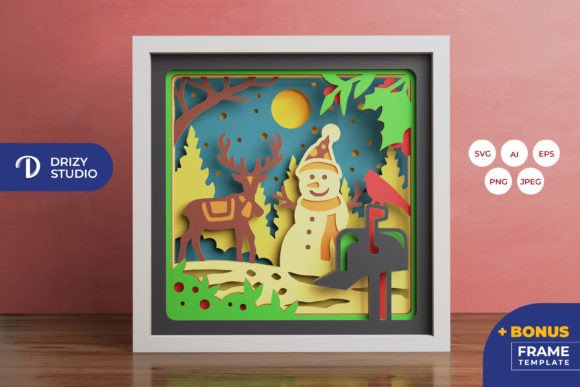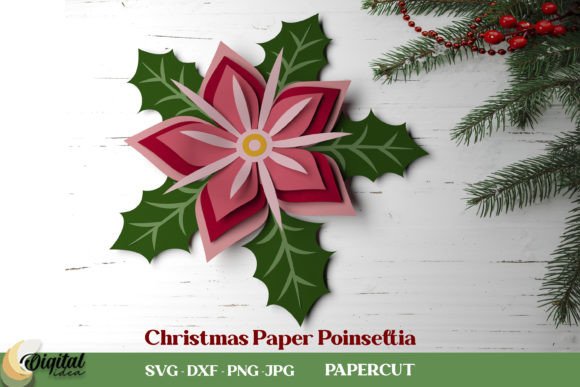
Mastering the Art of Flower Paper Christmas Poinsettia Designs
The holiday season brings a unique pressure to decorate spaces that feel both festive and sophisticated. For many creators, from hobbyist crafters to small business owners selling seasonal decor, the Flower Paper Christmas Poinsettia has become a staple project. It offers a timeless aesthetic that bridges traditional holiday warmth with modern DIY creativity. However, the difference between a decoration that looks store-bought and one that looks amateurish often comes down to preparation and file quality. Understanding the nuances of digital design files is just as important as the physical crafting process itself.
When you download a comprehensive zip folder containing designs in SVG, DXF, EPS, PDF, JPEG, and PNG formats, you are acquiring more than just an image; you are gaining a toolkit for versatility. Yet, a common misunderstanding among beginners is treating all these file types as interchangeable without considering their specific applications. This oversight can lead to frustrating results, wasted materials, and a final product that lacks the crispness required for professional presentation.
The Trap of Ignoring File Format Specifics
One of the most frequent mistakes creators make is attempting to use raster images (like JPEG or PNG) for vector-based cutting machines. While a high-resolution PNG might look perfect on your computer screen, it lacks the mathematical paths required by cutting plotters like Cricut or Silhouette. When you try to cut a poinsettia design from a raster image, the machine may struggle to identify clean edges, resulting in jagged cuts or incomplete shapes. This not only ruins your paper but also wastes valuable time troubleshooting machine errors.
The better approach: Always utilize the SVG or DXF files for cutting projects. These vector formats ensure that every curve of the poinsettia petals is defined by precise coordinates, allowing your machine to cut smoothly regardless of the size you choose. Reserve the JPEG and PNG files for sublimation printing, digital invitations, or web-based marketing materials where pixel-based imagery is standard.
Overlooking Material Compatibility
Another critical area where enthusiasts stumble is the selection of paper stock. The intricate nature of a paper poinsettia requires a balance between stiffness and flexibility. Many beginners opt for standard printer paper because it is readily available, only to find that the large petals droop immediately after assembly. Conversely, using cardstock that is too thick can make folding the delicate center details nearly impossible without cracking the fibers.
This mismatch affects the structural integrity and visual appeal of the final piece. A drooping flower looks tired rather than vibrant, detracting from the festive atmosphere you aim to create. To avoid this, test your chosen material with a single petal before committing to the full design. Ideal choices include 65lb to 80lb cardstock, which holds shape well while remaining pliable enough for shaping curves. If you are creating oversized decorations for office lobbies or event spaces, consider using foam board or layered cardboard for the base layers to provide necessary support.
Neglecting the Assembly Process
Even with the perfect file and material, the assembly phase introduces its own set of challenges. A common error is rushing the gluing process. Using too much adhesive can cause warping, while too little leads to pieces detaching over time. Furthermore, failing to shape the petals before assembly results in a flat, lifeless appearance that lacks the dimensional beauty characteristic of real poinsettias.
To achieve a professional finish, take the time to curl each petal gently around a dowel or the edge of a table. This simple step adds volume and realism. Use a strong, quick-drying craft glue or a hot glue gun for larger components, applying small dots rather than long lines. Allow each layer to set completely before adding the next. This patience ensures that your Flower Paper Christmas Poinsettia maintains its form throughout the holiday season, whether displayed in a home mantle or a corporate reception area.
Underestimating the Value of Scalability
Entrepreneurs and educators often overlook the scalability benefits included in multi-format downloads. A design that works beautifully as a small gift tag may not translate well to a large wall hanging if the internal details are too fine. When scaling up vector files, thin lines can become disproportionately fragile. Without adjusting the design settings in your software, you might end up with petals that tear easily during handling.
Before cutting large-scale versions, review the design in your software’s preview mode. Look for any areas where lines have become excessively thin relative to the overall size. You may need to slightly thicken certain elements or simplify intricate details to maintain durability. This proactive check prevents material waste and ensures that the final product is robust enough for its intended environment, whether it is a delicate classroom craft or a sturdy outdoor decoration.
Choosing the Right Color Palette
While red and green are traditional, limiting yourself to these colors can make your designs feel generic. Many creators miss the opportunity to experiment with metallics, whites, or even non-traditional hues like blue and silver. However, switching colors requires careful consideration of how ink interacts with different paper types. Some papers do not absorb ink evenly, leading to blotchy prints if you are using printable cardstock.
If you plan to print custom colors, always perform a test print on a scrap piece of the same paper stock. Check for color accuracy and drying time. For a more elegant look, consider using pre-colored metallic or textured papers instead of printing. This eliminates ink-related issues and adds a tactile dimension to your poinsettias. By diversifying your palette, you can create unique arrangements that stand out in crowded marketplaces or social media feeds, appealing to customers looking for something beyond the standard holiday fare.
Final Checks Before Production
Before diving into a large batch of production, whether for personal use or commercial sale, verify every aspect of your workflow. Ensure your cutting machine blades are sharp, as dull blades drag through paper rather than slicing it cleanly. Confirm that your software settings match the material thickness you are using. Double-check that the SVG paths are closed and free of extra nodes that could confuse the cutter.
By addressing these potential pitfalls early, you streamline your creative process and enhance the quality of your output. The Flower Paper Christmas Poinsettia is more than just a craft; it is an opportunity to demonstrate skill and attention to detail. With the right files, materials, and techniques, you can create stunning decorations that bring joy and elegance to any space. Embrace the learning curve, experiment with different approaches, and let your creativity flourish this holiday season.